How to Build a Shopify Social Proof App
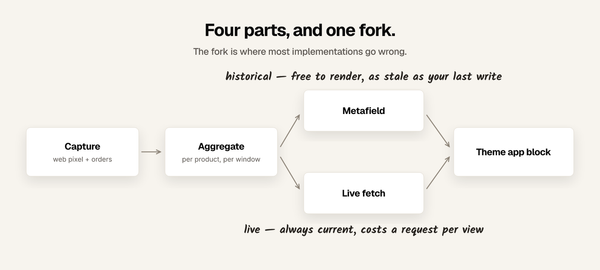
The architecture behind '23 sold today' and '8 in cart right now': what captures the events, where the numbers live, the two ways they reach a theme, and the parts that are not the happy path.

The architecture behind '23 sold today' and '8 in cart right now': what captures the events, where the numbers live, the two ways they reach a theme, and the parts that are not the happy path.
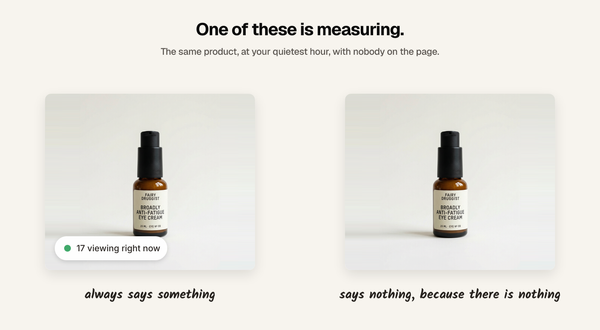
Plenty of Shopify social proof apps generate their numbers. Here is the one question that separates them from the ones that measure, and three ways a number can be real and still mislead.
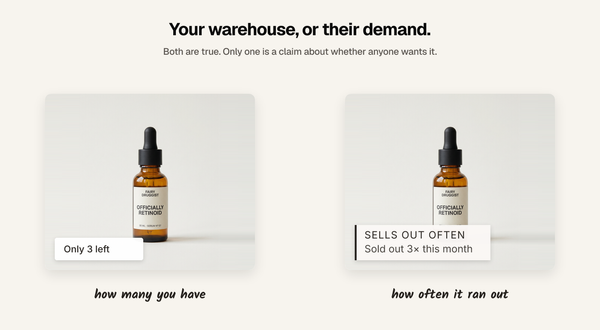
Shopify already gives your theme the inventory number, so you do not need an app to show 'Only 3 left'. The harder question is whether that number means anything, and what to show instead when it does not.
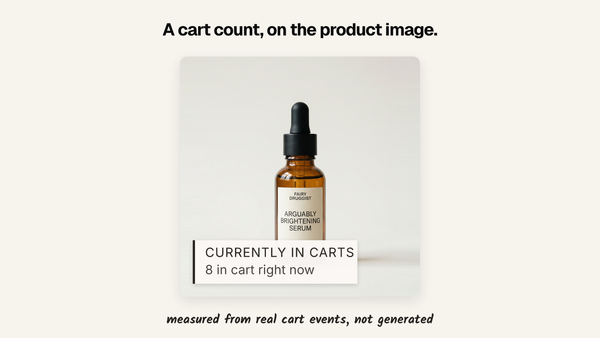
Shopify never exposes add-to-cart counts to your theme. Here is what it takes to put a real '8 added to cart' label on a product page or a collection grid, and how to tell a measured count from a generated one.

Social proof does not have to arrive as a corner toast. Here are the three places a sales counter can live on a Shopify page, and how to build each one.

Shopify has no built-in way to display units sold on a product page. Here are the three ways to do it, what each one costs, and when each one breaks.
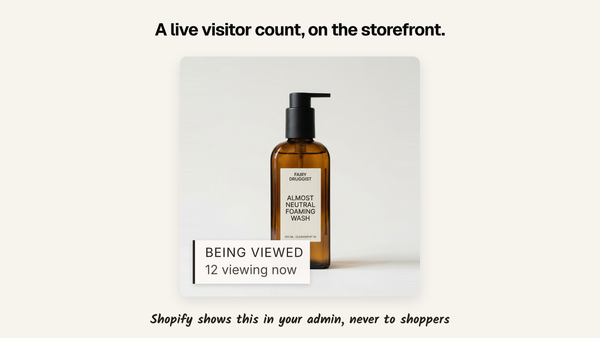
Shopify shows live visitors in your admin but never on the storefront. Here is what it takes to put a real one on a product page, and why most of the ones you see are fake.
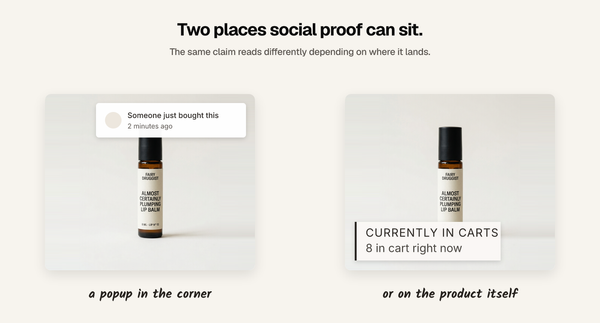
There is no single best one. For the longest track record, Fomo. For the highest rating, ProveSource. For the lowest price, Sold Count. For proof on the product image instead of in a corner popup, mine. Disclosure, because it changes how you should read this: I build Sold So Many,
A dog bed store with three colours, four sizes and forty photos per product is exactly the mess Rubik Variant Images was built for. I installed it on Birdsong Pet and paid close attention to the onboarding — because I've spent the last six months rebuilding my own.
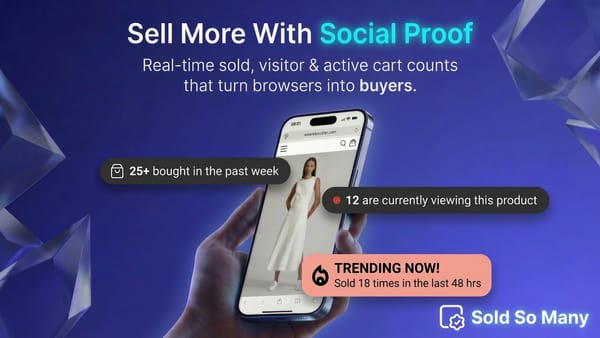
Social proof is one of the most important motivators of customers' buying decisions. There are a number of ways to use social proof on an e-commerce store: the most obvious being customer reviews. There are, however, new ways you can display social proof on your store: use live customer
Six months ago, I launched Sold So Many: Sold Counter, a Shopify app, with the goal of helping store owners showcase their sales data in a way that builds trust and increases conversions. The app provides merchants an online store theme app extension, which helps merchants display the number of
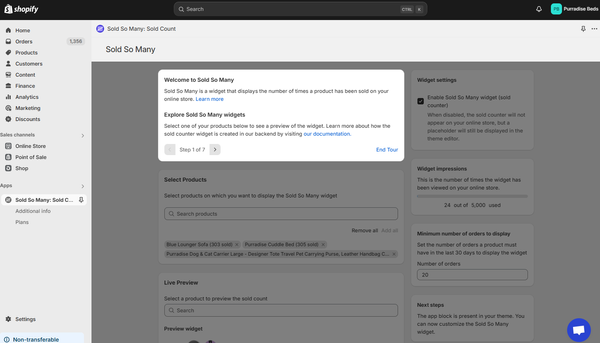
Over the past month since launching my first Shopify app, Sold So Many, I've embarked on a steep learning curve in programming: UX, and UI design. While I anticipated challenges, the initial user engagement metrics signalled that I needed to make significant improvements. The Problem In the last