How to Add a Live Visitor Counter to Shopify
Shopify shows live visitors in your admin but never on the storefront. Here is what it takes to put a real one on a product page, and why most of the ones you see are fake.

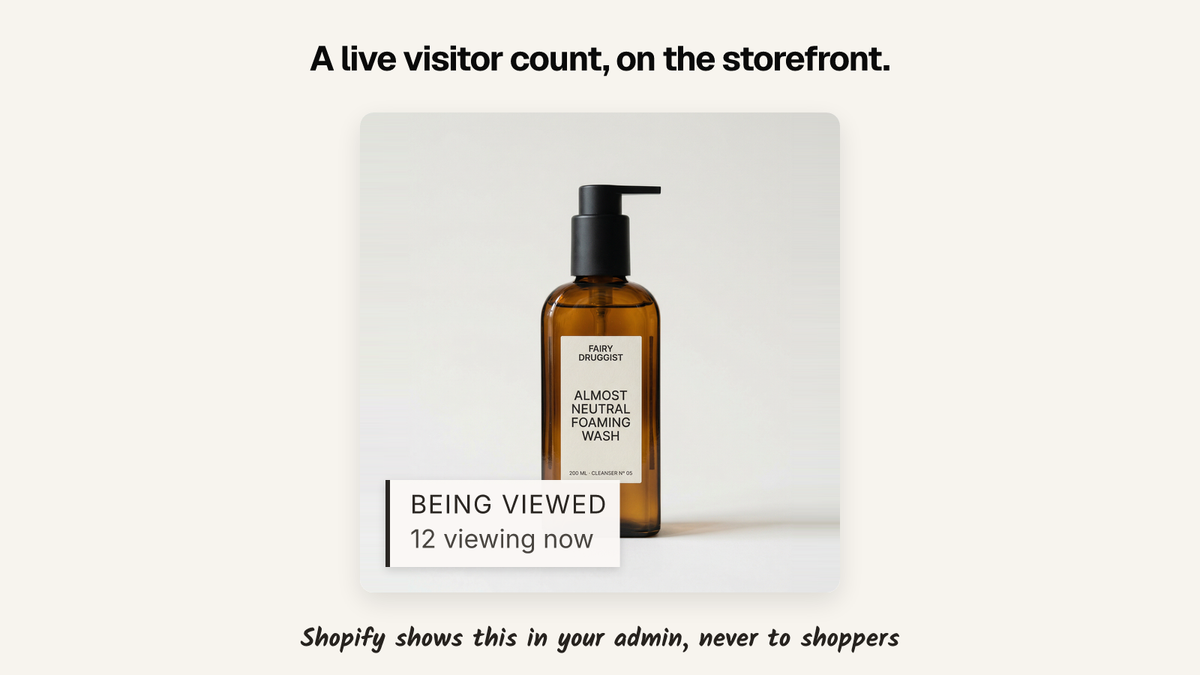
Shopify has no storefront visitor counter. Live View in your admin shows visitors in real time, but it doesn't expose that to your theme. To put a real count on a product page, you need a server tracking active sessions, which means a script, a backend, or an app.
There is also a shortcut most stores take, and it is worth naming early: a large share of the "14 people are viewing this" widgets on the internet are random numbers on a timer. More on that below, because it changes which option you should pick.
Why this one is harder than a sold count
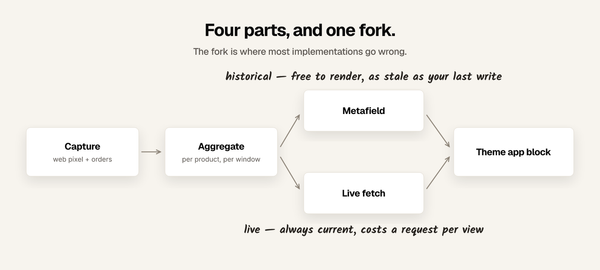
A sold count is a historical number. You can compute it once a night from order data and write it into a metafield, and the theme just prints it.
A visitor count is a live number, and live is a different category of problem. Something has to know that a browser is on that product page right now, and stop knowing it a minute after the tab closes. That means:
- every storefront session announces itself to a server, repeatedly, while the page is open
- the server keeps a short window of recent pings, per product, and expires them
- the page asks for the current count and updates it without a reload
You cannot do this in Liquid. Liquid renders once, on the server, before anyone is looking at the page. Whatever number it prints is already history.
The options, honestly
Build it
Perfectly doable and not exotic. A small endpoint that accepts a heartbeat containing a product ID and an anonymous session ID, a store that expires entries after 60 seconds, and a count query. Add a snippet to your product template that posts a heartbeat every 30 seconds and renders whatever comes back.
Budget for the parts that are not the happy path: bot traffic inflating the count, a caching layer in front of your storefront that would otherwise serve a stale number to everyone, what happens under a traffic spike, cookie and consent handling for the session identifier, and somewhere to run it that stays up. This is a real service with an uptime expectation, not a nightly cron job.
If you have engineering time this is the correct answer and you own it forever.
Use an app
The tradeoff is money for the infrastructure above.
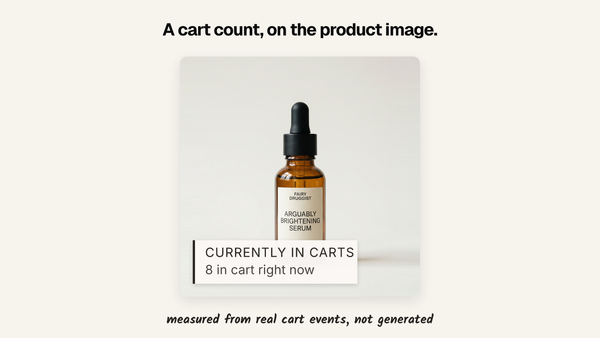
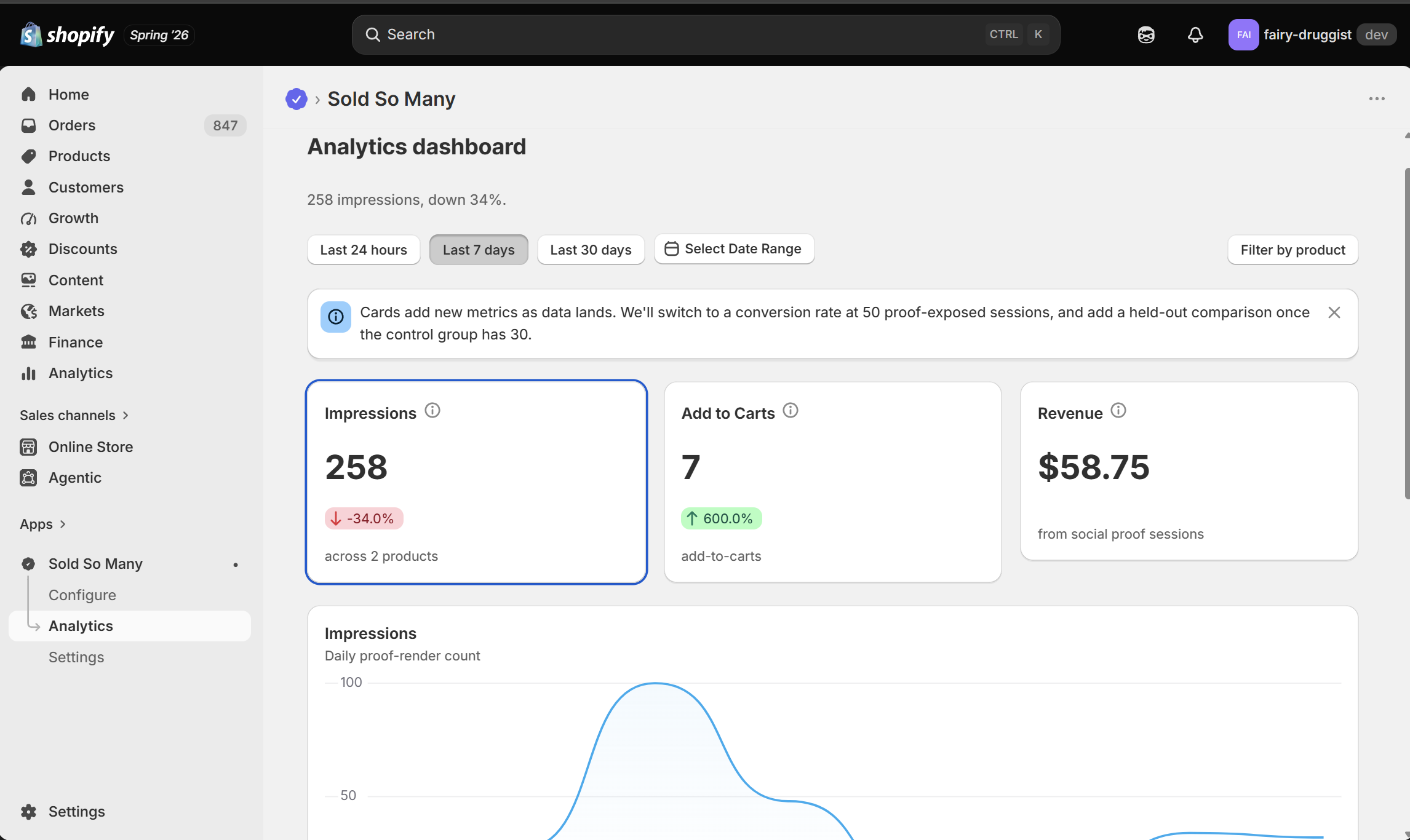
Disclosure: I build one. Sold So Many shows live visitor counts, sold counts, recent purchases and cart activity on product pages and collection grids. The live counts come from a dedicated real-time server rather than being rendered into the page, which is what makes them current rather than cached. It is 5.0 rated from 3 reviews, free up to 10,000 visitors a month, and $19 a month above that.
Several other apps do visitor counts too. Before you pick any of them, including mine, ask the question in the next section.
The third option nobody advertises
Show a fake number. This is genuinely common, it is trivially easy, and it is why the pattern has a bad reputation.
How to tell a real counter from a fake one
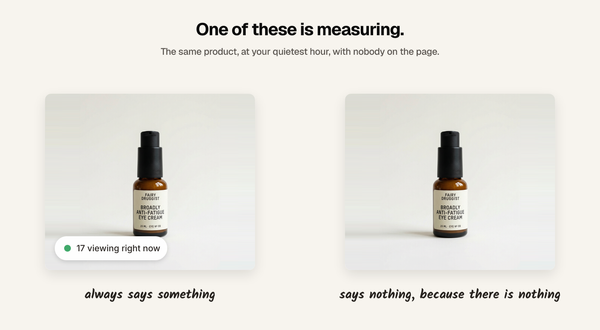
Ask the vendor one question: what happens when nobody is on the page?
A real counter says nothing, or says one, because you are the one. A fake one has a floor, because a widget that admits the page is empty defeats its own purpose. If the settings screen offers a minimum value, a maximum value, or a range, the number isn't measuring anything.
Those are the tells:
- a "minimum visitors" field
- a range like 5 to 20
- a refresh interval that changes the number on a timer rather than on traffic
- a count that is suspiciously similar across every product, including the ones nobody visits
You can also just check. Open a product page in a private window at your quietest hour. If it claims a crowd, you have your answer.
This matters beyond taste. A shopper who opens two tabs and sees two different crowd sizes has learned something about your store that you cannot unteach, and the products where a fake count is most flattering are exactly the products with no traffic to justify it.
What to show when the number is small
The honest objection to a real counter is that real numbers are often one.
Reasonable ways to handle that, none of which involve inventing anything:
- Set a floor for display, not for the number. Show the count only when it clears a threshold you choose. Below it, show nothing. The page is quieter and nothing is false.
- Widen the window. "23 people viewed this today" is a real number larger than the live one, and it doesn't pretend to be live.
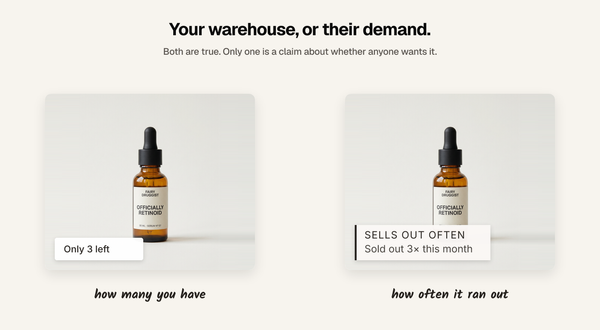
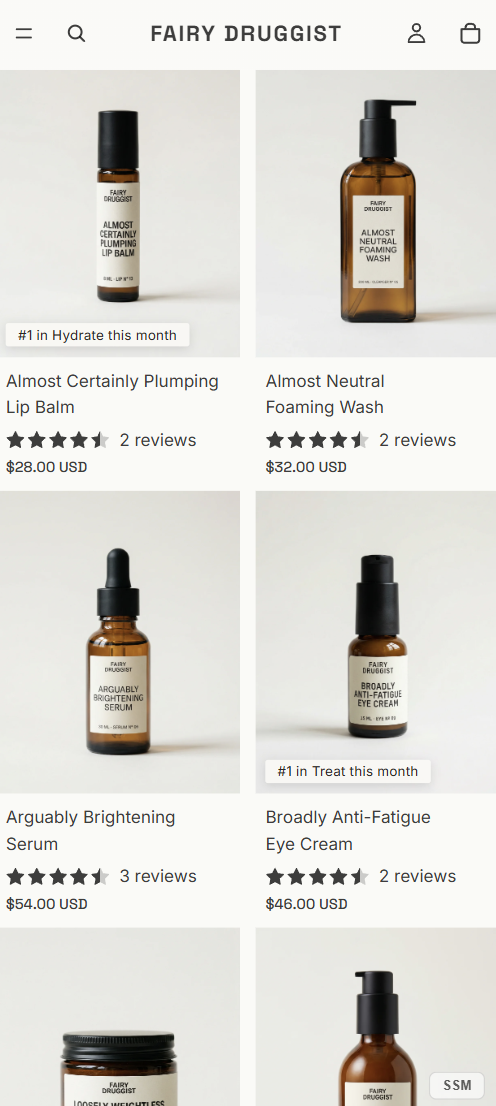
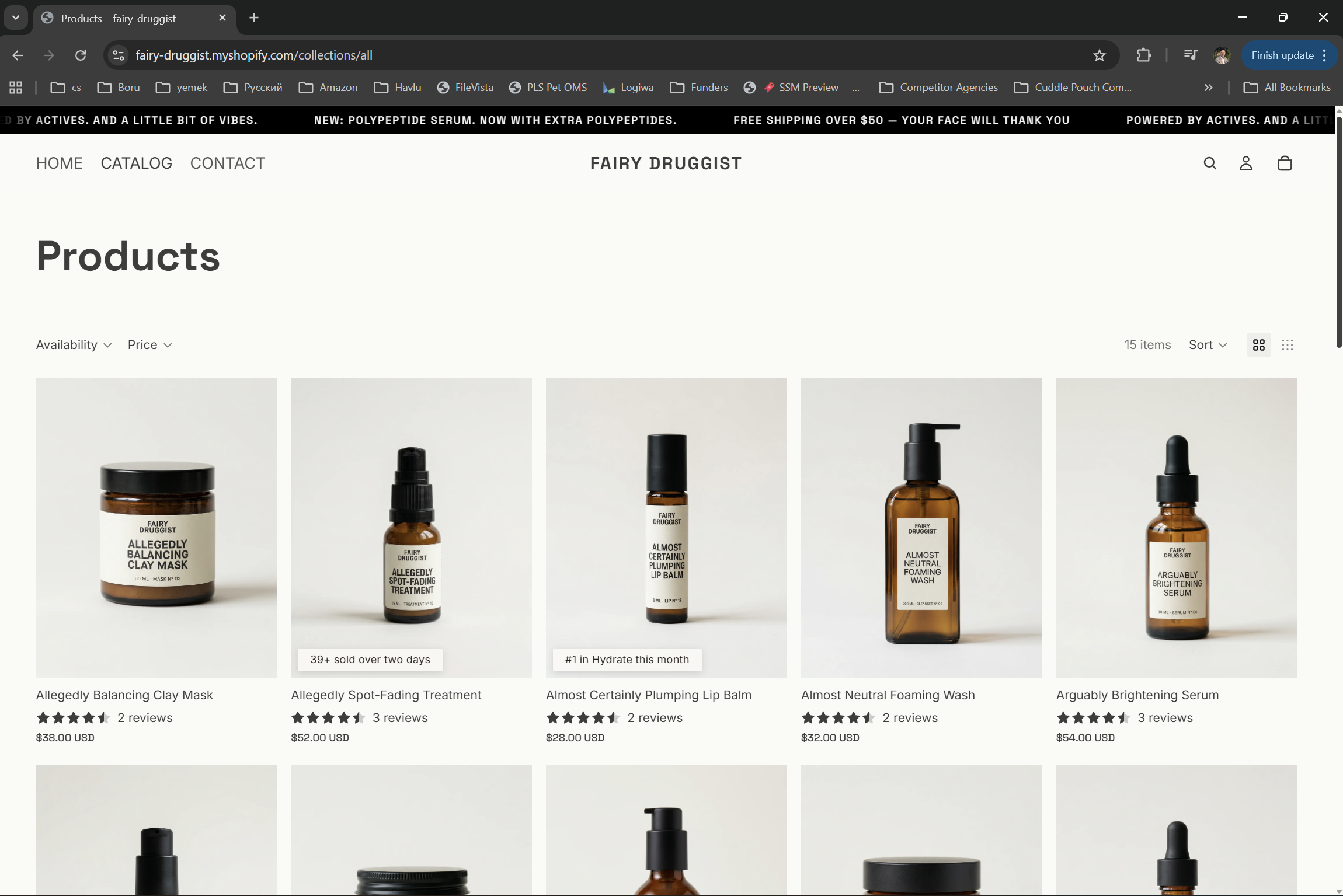
- Show a different signal instead. On a low-traffic product, a sold count or a recent purchase usually carries more weight than a visitor count anyway. Use live visitors for products with live traffic.
The last one is the general principle. Match the signal to the product rather than putting the
same widget on all of them.
Which to pick
- Engineering time available, and you want to own it: build it. Plan for the failure modes above rather than the happy path.
- No engineering time: an app, chosen with the fake-counter question asked out loud.
- A low-traffic catalogue: consider not showing live visitors at all. A sold count is the better fit and it is far easier to get right.
FAQ
Does Shopify have a built-in live visitor counter?
Not on the storefront. Shopify's admin Live View shows visitors in real time, but no Liquid object exposes visitor data to your theme, so shoppers cannot see it without a script or an app.
Can I add a visitor counter with Liquid alone?
No. Liquid renders on the server before the page loads, so any number it prints is already out of date. A live count needs client-side code talking to a server.
Are "X people are viewing this" widgets real?
Some are. Many are not. If a widget lets you configure a minimum or a range, it is generating the number rather than measuring it.
Will a visitor counter slow down my product page?
It should not. The count should load asynchronously after your page renders, never block it, and never delay the add to cart button.
What should I show on a product with almost no traffic?
Either nothing, or a different signal. A sold count or a recent purchase works on low-traffic products where a live visitor count does not.
Written by Mehmet Tekin, 23 August 2026. I built Sold So Many,
a Shopify social proof app, so treat the app section as disclosed rather than neutral.