How to Show Units Sold on a Shopify Product Page
Shopify has no built-in way to display units sold on a product page. Here are the three ways to do it, what each one costs, and when each one breaks.


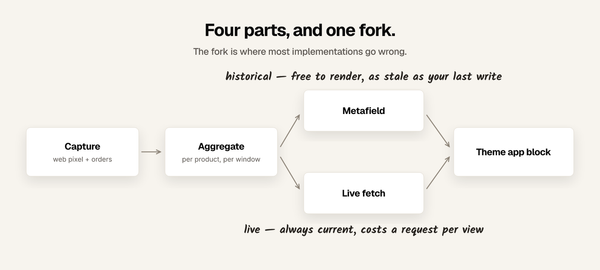
Shopify does not display units sold on the storefront. The number exists in your admin reports, but no Liquid object exposes it to your theme. To show it to shoppers you have three options: a manual metafield, a script that writes that metafield for you, or an app.
Here is what each one actually involves.
Why there is no setting for this
Shopify's admin can tell you exactly how many units a product has sold. Analytics has a "top products by units sold" report, and the Admin API will return order line items going back through your history.
None of it reaches the storefront. product in Liquid has no units_sold, no sales_count, and no order history. The theme layer and the order layer are deliberately separate, which is good for performance and privacy, and inconvenient exactly once: when you want to tell a shopper that 412 other people bought this.
So every method below is a way of moving a number from the order side to the theme side.

Method 1: a metafield you fill in by hand
The simplest version, and free.
- In Settings, Custom data, Products, add a metafield. Name it something like
Units sold, namespace and keycustom.units_sold, type Integer. - Open a product, scroll to the metafields section, type the number.
- In your theme editor, add the metafield to the product template. On Online Store 2.0
themes you can do this with a text block; on older themes you editproduct-template.liquidand output{{ product.metafields.custom.units_sold }}.
This works, and for a store with a handful of hero products it is genuinely the right
answer. Do not let anyone sell you an app for six products.
It stops being the right answer at scale, and the arithmetic is unforgiving. A 200 product catalogue refreshed weekly is 200 edits a week, about 10,400 edits a year, every one of them a chance to fat-finger a digit. And between refreshes every number on your site is wrong.
Slightly wrong is fine. The failure mode is a product that sells 40 units in a flash sale while the page still says 12, which is the one moment the number mattered.
Method 2: a script that writes the metafield for you
The same metafield, updated by machine instead of by hand.
You write a small private app or a scheduled job that queries the Admin API for order line items, sums the quantity per product, and writes the total back tocustom.units_sold. Run it nightly. The theme side does not change at all, so if you
already did Method 1 you keep your template edits.
This is a real, sound approach and it is what I would do if I only needed the one number. Budget honestly: an afternoon to write, plus a place to run it on a schedule, plus the maintenance you inherit forever. Things that will eventually need handling include pagination on large order histories, refunds and cancellations that should decrement the count, products that get merged or deleted, and API version bumps.
The number is also only as fresh as the last run. Nightly is fine for a stable catalogue and useless during a launch.
Method 3: an app
The tradeoff is money for time and freshness.
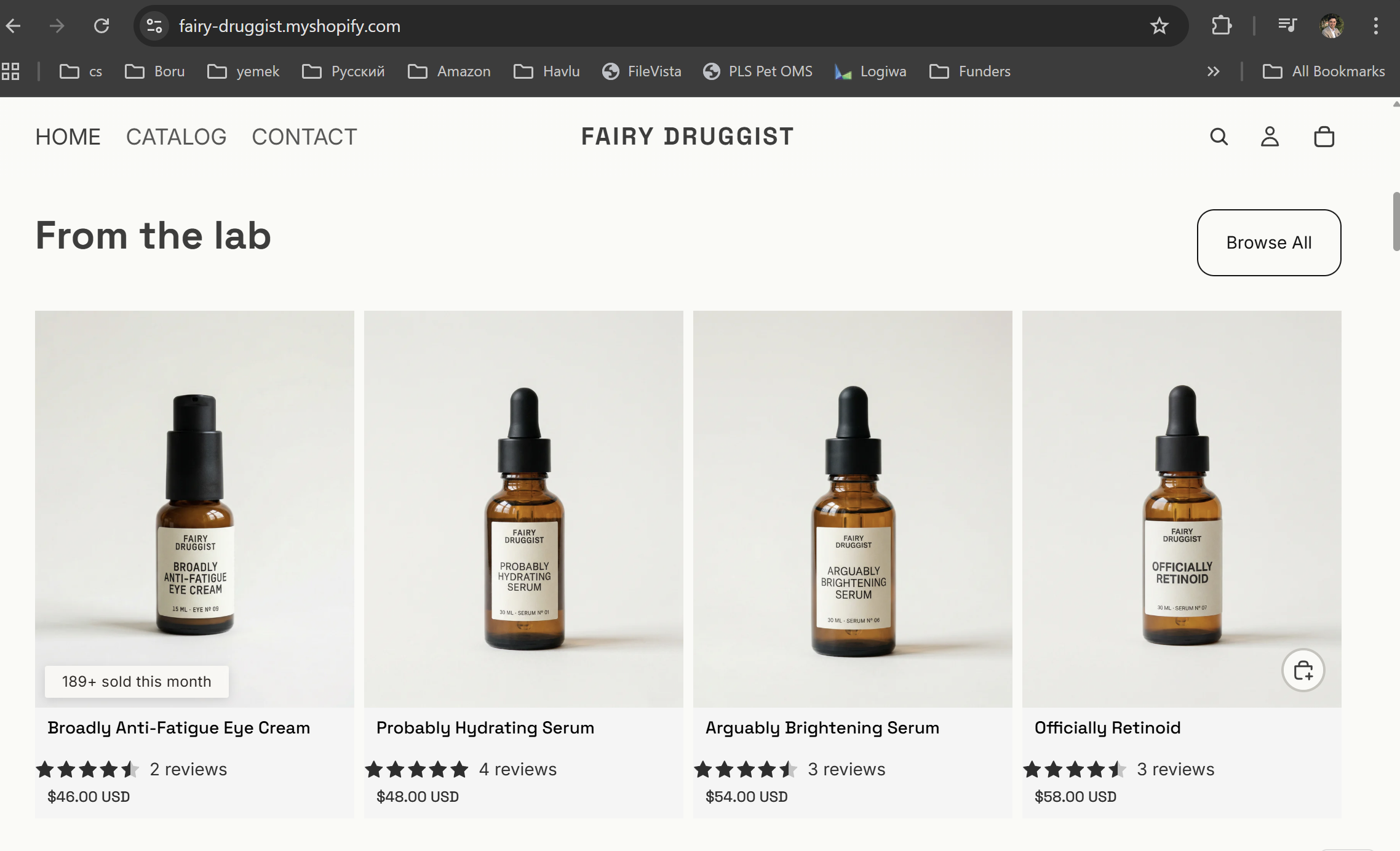
I build one of these, so treat this section as disclosed rather than neutral. Sold So
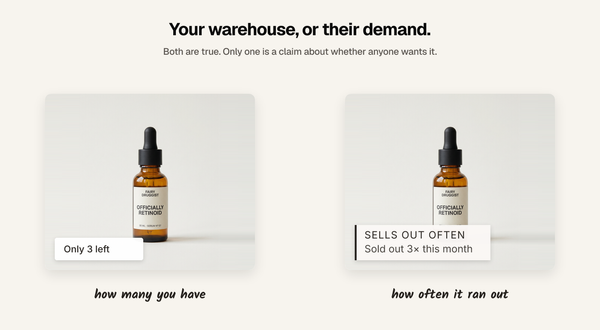
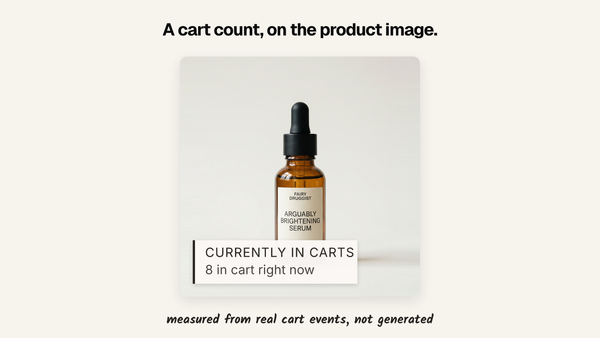
Many shows sold counts, live visitor counts, recent purchases and cart activity on product pages and collection grids, computed from your own store data and updated as it happens rather than nightly. It syncs your order history in the background on install, and proof usually appears on the storefront a few minutes after that first sync finishes.
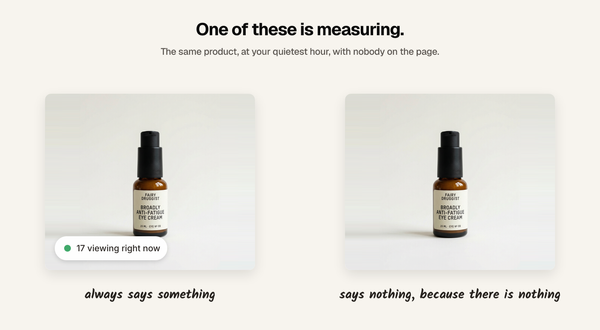
Two things I would want to know if I were reading this about someone else's app. It only shows real figures, so a product with four sales says four or says nothing, and you choose which. And it measures its own effect against a 5% holdout cohort, so the reporting tells you what the widget earned rather than how many times it appeared. It is 5.0 rated from 3 reviews, has a free plan up to 10,000 visitors a month, and paid plans start at $19 a month.
Every plan includes every feature.
Other apps in this category do the sold count too, several of them for less. If your only requirement is a number on a page and the budget is tight, one of those is a reasonable choice and you should take it.
Which one to pick
- Under about 10 products, or a one-off campaign: Method 1. It is free and you will be done in fifteen minutes.
- You have engineering time, one number is enough, and nightly freshness is acceptable:
Method 2. - A large catalogue, or the number needs to be right during a launch, or you want to know whether showing it actually changed anything: Method 3.
A note on honesty, since this is the part people get wrong
Displaying a sold count invites the obvious temptation to round it up, start it at a flattering baseline, or leave a spike on the page after the spike is over.
Shoppers check. Product pages get compared, screenshotted, and revisited. A number that moves in a way the store cannot explain does more damage than no number at all, and it is the one social proof failure that is genuinely difficult to recover from. Whichever method you pick, show the real figure or show nothing.
FAQ
Can Shopify show units sold without an app?
Yes, using a product metafield that you fill in manually and output in your theme. Shopify has no built-in automatic display, so the number will be as current as your last edit.
Is there a Liquid variable for units sold?
No. product does not expose sales or order data to the theme. You have to copy the number into a metafield first, by hand or by script.
Where do I find units sold in Shopify admin?
In Analytics, under Reports, look for the Top Products by Units Sold report. This is an admin-only view and isn't visible to shoppers.
Does showing a sold count actually increase conversions?
Sometimes, and not uniformly. It tends to help most on products with meaningful volume and to do nothing on products without it. This is worth measuring against a holdout rather than assuming, because the honest answer varies by catalogue.
What happens to the count when an order is refunded?
That depends on the method. A hand-typed metafield will not change until you change it. A script only handles refunds if you write that logic. An app should decrement automatically.
Written by Mehmet Tekin, 23 August 2026. I build Sold So Many,
a Shopify social proof app, which is why Method 3 has my app in it.